Drill Results Map — California
California — birthplace of the 1849 Gold Rush and home to the Mountain Pass rare earth mine, the only REE producer in the US — is a prime target for junior exploration companies. Here's how to create a professional drill results map using Exploration Maps in 15–30 minutes.
About Mining in California
California's Mother Lode district ignited the 1849 Gold Rush and continues to host active gold exploration and production, alongside the Mountain Pass rare earth mine — the only REE producer in the United States.
Key minerals: gold, silver, boron, tungsten, chromite, rare earth elements. Notable deposits: Motherlode, Grass Valley, Mountain Pass REE, Randsburg. Mining districts: Mother Lode, Grass Valley-Nevada City, Death Valley, Mojave.
The Bureau of Land Management (BLM) administers mineral rights in California. Claim data is accessible through BLM MLRS (Mineral & Land Records System).
Getting Mining Data for California
| Portal | Formats | Notes |
|---|---|---|
| BLM MLRS (Mineral & Land Records System) | MLRS reports + map viewer (claims by legal description) | California BLM claims use UTM Zone 10N (EPSG:32610) for most of the state; southeastern desert properties (Death Valley, Mojave) fall in Zone 11N. California's CEQA environmental review process is a key permitting consideration — note permit status in your title block subtitle where relevant for regulatory filings. |
How to Create a Drill Results Map for California
For a full step-by-step guide to drill results maps, see How to Make a Drill Results Map.
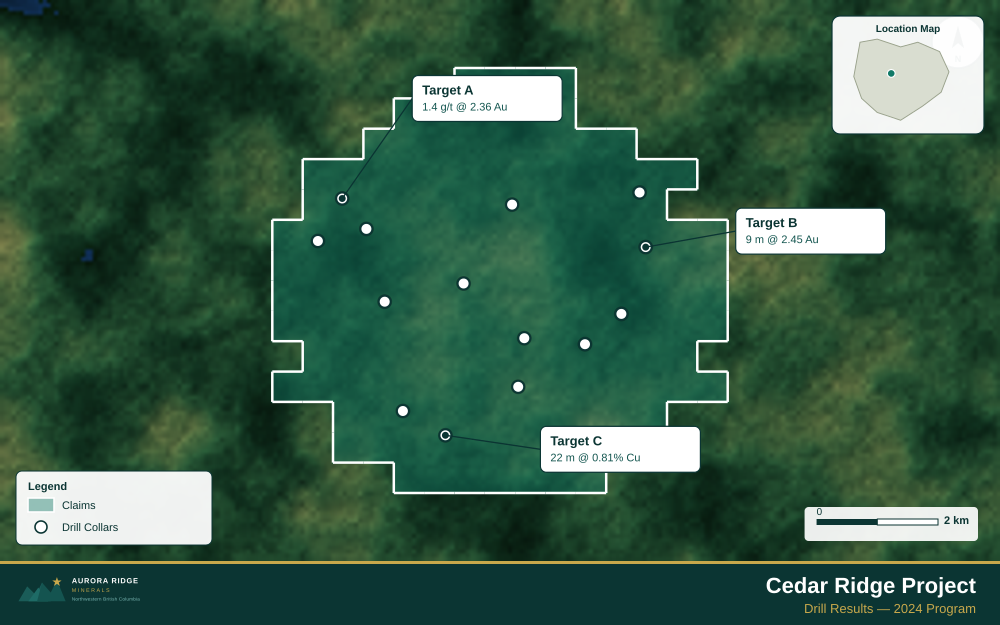
- Import your drill collar CSV (columns: hole ID, latitude, longitude, depth, assay)
- Assign the Drillholes layer role
- Import the property claims boundary as GeoJSON
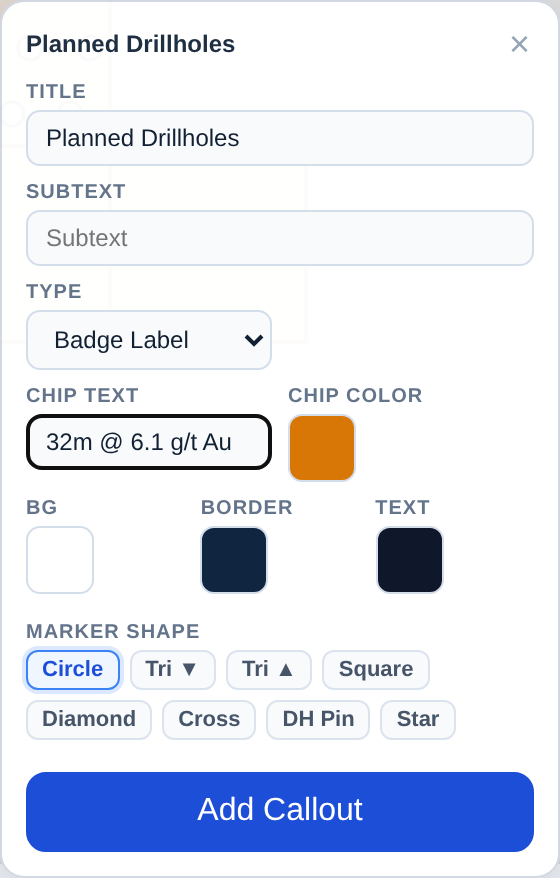
- Add callout labels to key holes showing hole ID and best intercept
- Use Badge Label type to highlight the highest-grade holes
- Configure the title with program name and date
- Set the Landscape 16:9 ratio for news release figures
- Export as PNG at 2× for email and PDF for the news release attachment
Tip for California: The Mother Lode Belt runs 200 km north-south through the Sierra Nevada foothills — a regional inset showing the full belt extent and your property's position within it gives investors the scale and geological context that makes a Mother Lode project compelling.
Recommended Settings for California
- Basemap: Light or Satellite
- Design theme: Investor — Navy & White
- Export format: PNG at 2× for investor presentations, PDF (Letter or A4) for NI 43-101 reports
- Coordinate system: Ensure source data is in WGS84 (EPSG:4326)
Common Use Cases in California
- Exploration news releases
- NI 43-101 technical reports
- Investor day presentations
- Analyst briefings