Drill Results Map — Colorado
Colorado — one of North America's richest mining states, home to Climax Molybdenum and the Cripple Creek gold district — is a prime target for junior exploration companies. Here's how to create a professional drill results map using Exploration Maps in 15–30 minutes.
About Mining in Colorado
Colorado has one of the richest mining histories in North America, with significant gold, silver, and molybdenum production from its Rocky Mountain ranges.
Key minerals: gold, silver, molybdenum, lead, zinc, vanadium. Notable deposits: Climax Molybdenum, Henderson Mine, Cripple Creek, Summitville. Mining districts: San Juan Mountains, Leadville, Teller County, Clear Creek.
The Bureau of Land Management (BLM) administers mineral rights in Colorado. Claim data is accessible through BLM MLRS (Mineral & Land Records System).
Getting Mining Data for Colorado
| Portal | Formats | Notes |
|---|---|---|
| BLM MLRS (Mineral & Land Records System) | MLRS reports + map viewer (claims by legal description) | Colorado BLM mining claims use UTM Zone 13N (EPSG:32613). The state spans two BLM field offices — check both the Colorado State Office and Leadville Field Office MLRS databases to ensure complete claim coverage for your property. |
How to Create a Drill Results Map for Colorado
For a full step-by-step guide to drill results maps, see How to Make a Drill Results Map.
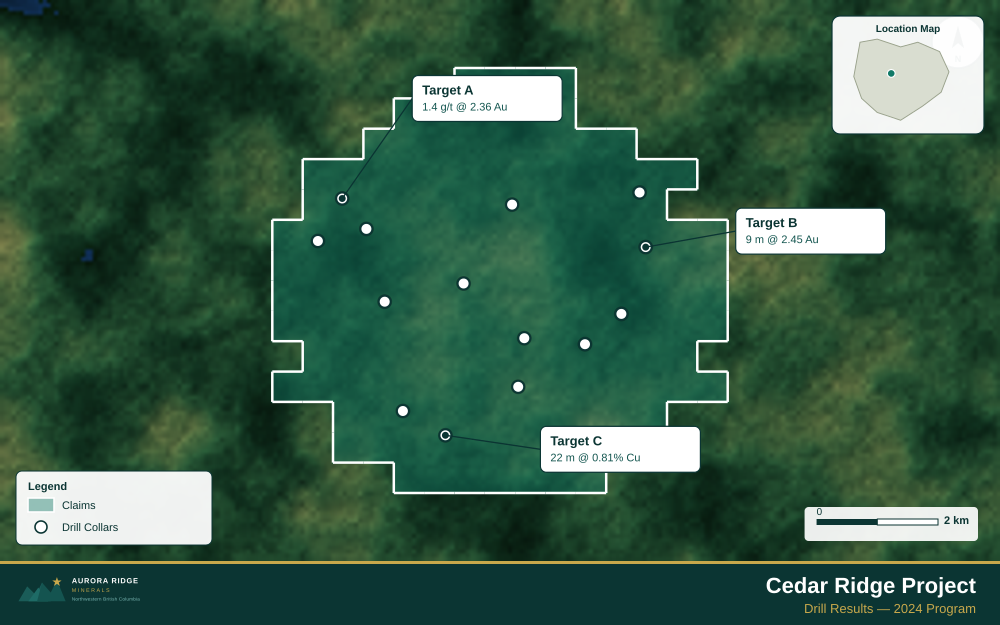
- Import your drill collar CSV (columns: hole ID, latitude, longitude, depth, assay)
- Assign the Drillholes layer role
- Import the property claims boundary as GeoJSON
- Add callout labels to key holes showing hole ID and best intercept
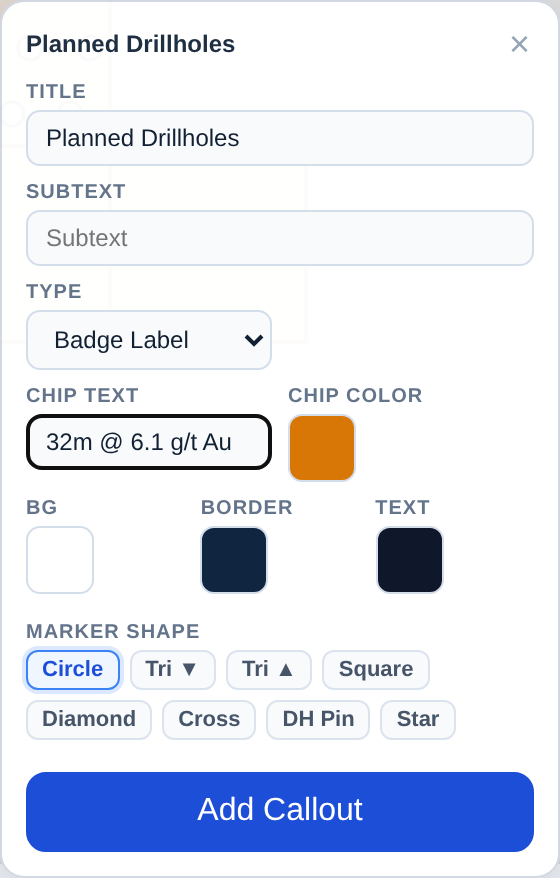
- Use Badge Label type to highlight the highest-grade holes
- Configure the title with program name and date
- Set the Landscape 16:9 ratio for news release figures
- Export as PNG at 2× for email and PDF for the news release attachment
Tip for Colorado: Colorado's San Juan Mountains have dramatic relief above 4,000 m — use the Topographic basemap with a Terrain theme to show the steep terrain that defines drill access logistics, and set your scale bar at 2–5 km to reflect the typical property footprint in high-alpine terrain.
Recommended Settings for Colorado
- Basemap: Light or Satellite
- Design theme: Investor — Navy & White
- Export format: PNG at 2× for investor presentations, PDF (Letter or A4) for NI 43-101 reports
- Coordinate system: Ensure source data is in WGS84 (EPSG:4326)
Common Use Cases in Colorado
- Exploration news releases
- NI 43-101 technical reports
- Investor day presentations
- Analyst briefings