Drill Results Map — British Columbia
British Columbia — home to the world-class Golden Triangle, Canada's most active junior mining jurisdiction — is a prime target for junior exploration companies. Here's how to create a professional drill results map using Exploration Maps in 15–30 minutes.
About Mining in British Columbia
British Columbia is Canada's most active junior mining jurisdiction, home to the Golden Triangle — one of the world's richest mineral belts for gold and copper-gold porphyry deposits.
Key minerals: gold, copper, silver, molybdenum, coal, zinc. Notable deposits: Brucejack, Red Chris, Mount Polley, Highland Valley Copper. Mining districts: Golden Triangle, Cariboo, Omineca, Kootenay.
The Mineral Titles Branch (BC Ministry of Mining and Critical Minerals) administers mineral rights in British Columbia. Claim data is accessible through BC Mineral Titles Online (MTO).
Getting Mining Data for British Columbia
| Portal | Formats | Notes |
|---|---|---|
| BC Mineral Titles Online (MTO) | Shapefile (SHP), KML | BC Mineral Titles Online exports shapefiles in BC Albers (EPSG:3005). Convert to WGS84 (EPSG:4326) using QGIS or mapshaper.org before importing into Exploration Maps. |
How to Create a Drill Results Map for British Columbia
For a full step-by-step guide to drill results maps, see How to Make a Drill Results Map.
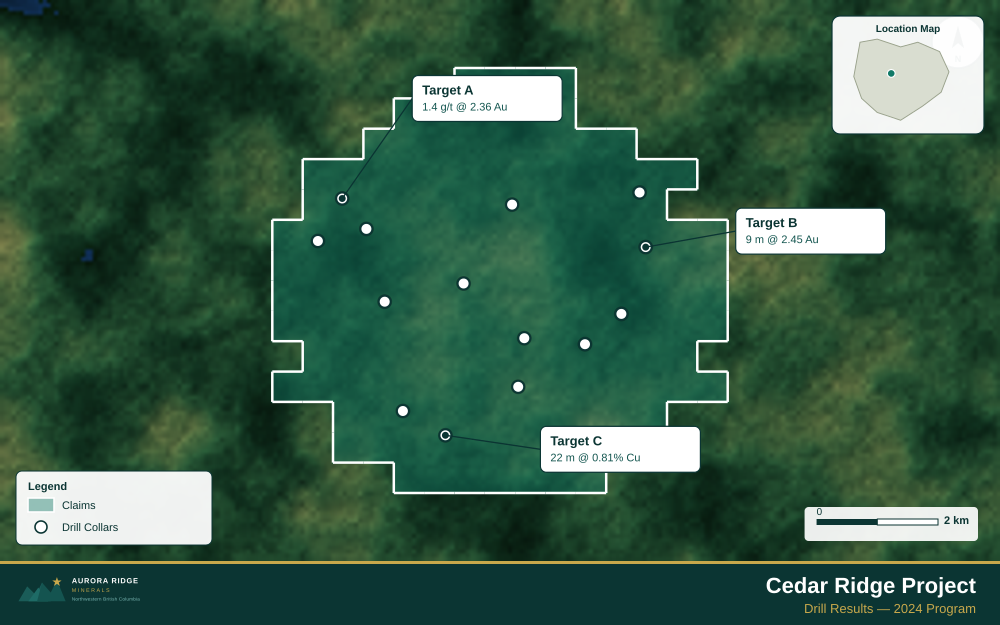
- Import your drill collar CSV (columns: hole ID, latitude, longitude, depth, assay)
- Assign the Drillholes layer role
- Import the property claims boundary as GeoJSON
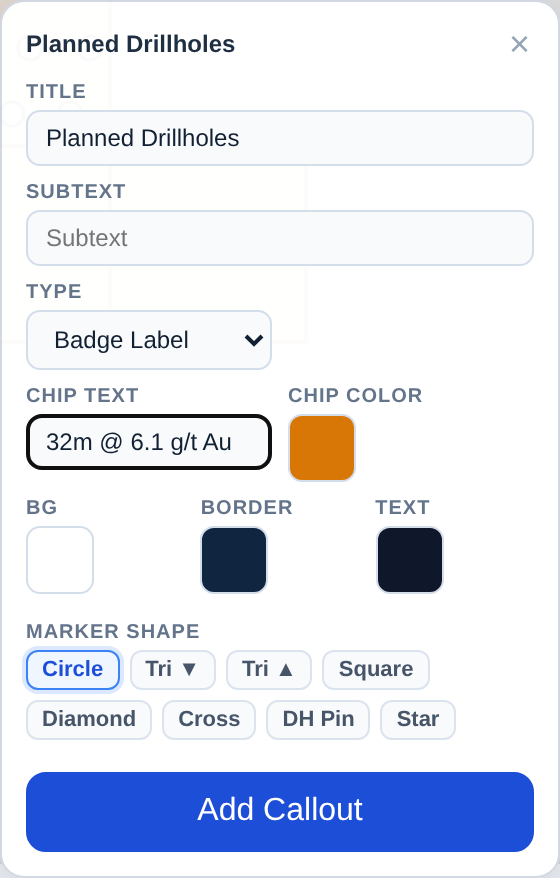
- Add callout labels to key holes showing hole ID and best intercept
- Use Badge Label type to highlight the highest-grade holes
- Configure the title with program name and date
- Set the Landscape 16:9 ratio for news release figures
- Export as PNG at 2× for email and PDF for the news release attachment
Tip for British Columbia: Golden Triangle properties often span multiple NTS 1:50,000 map sheets — confirm your GeoJSON covers the full tenure area and check for boundary gaps before placing callout labels on key drill holes.
Recommended Settings for British Columbia
- Basemap: Light or Satellite
- Design theme: Investor — Navy & White
- Export format: PNG at 2× for investor presentations, PDF (Letter or A4) for NI 43-101 reports
- Coordinate system: Ensure source data is in WGS84 (EPSG:4326)
Common Use Cases in British Columbia
- Exploration news releases
- NI 43-101 technical reports
- Investor day presentations
- Analyst briefings