Mining Claims Map — Alaska
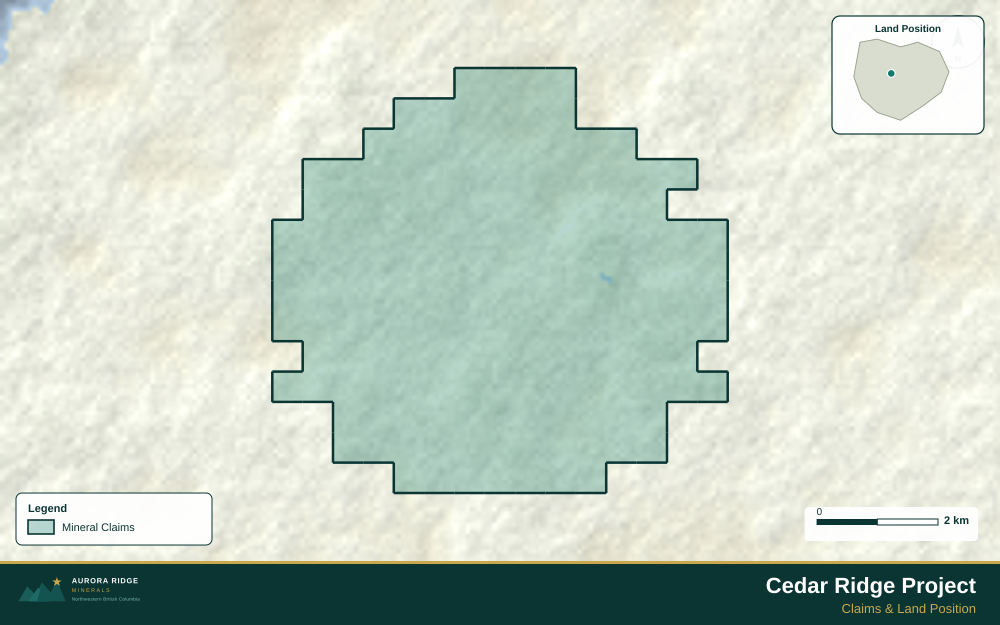
Alaska — home to some of the world's largest undeveloped gold, copper, and zinc deposits — is a prime target for junior exploration companies. Here's how to create a professional mining claims map using Exploration Maps in 15–30 minutes.
About Mining in Alaska
Alaska hosts some of the largest undeveloped mineral deposits in the world, including Donlin Gold and Pebble, alongside active gold, zinc, and copper producers.
Key minerals: gold, copper, zinc, silver, coal, platinum. Notable deposits: Pebble, Fort Knox, Donlin Gold, Greens Creek, Red Dog. Mining districts: Fairbanks, Juneau, Nome, Seward Peninsula.
The Alaska Department of Natural Resources administers mineral rights in Alaska. Claim data is accessible through Alaska DNR Online Mapping.
Getting Mining Data for Alaska
| Portal | Formats | Notes |
|---|---|---|
| Alaska DNR Online Mapping | Shapefile, KML | Alaska DNR uses NAD83 geographic coordinates. The Mining Claims portal allows polygon export by claim group. Alaska spans UTM Zones 5–9 — ensure all boundary layers use the same coordinate reference system before merging, as zone mismatches cause significant positional errors across the state's vast extent. |
How to Create a Mining Claims Map for Alaska
For a full step-by-step guide to mining claims maps, see How to Make a Mining Claims Map.
- Import your claims data as a GeoJSON or CSV file
- Assign the Claims layer role to apply standard styling automatically
- Add roads and water layers for geographic context
- Select a basemap — Light for technical reports, Satellite for investor decks
- Configure the title block with project name, company, and map date
- Upload your company logo
- Set the export ratio and frame your map
- Export as PNG (presentations) or PDF (reports)
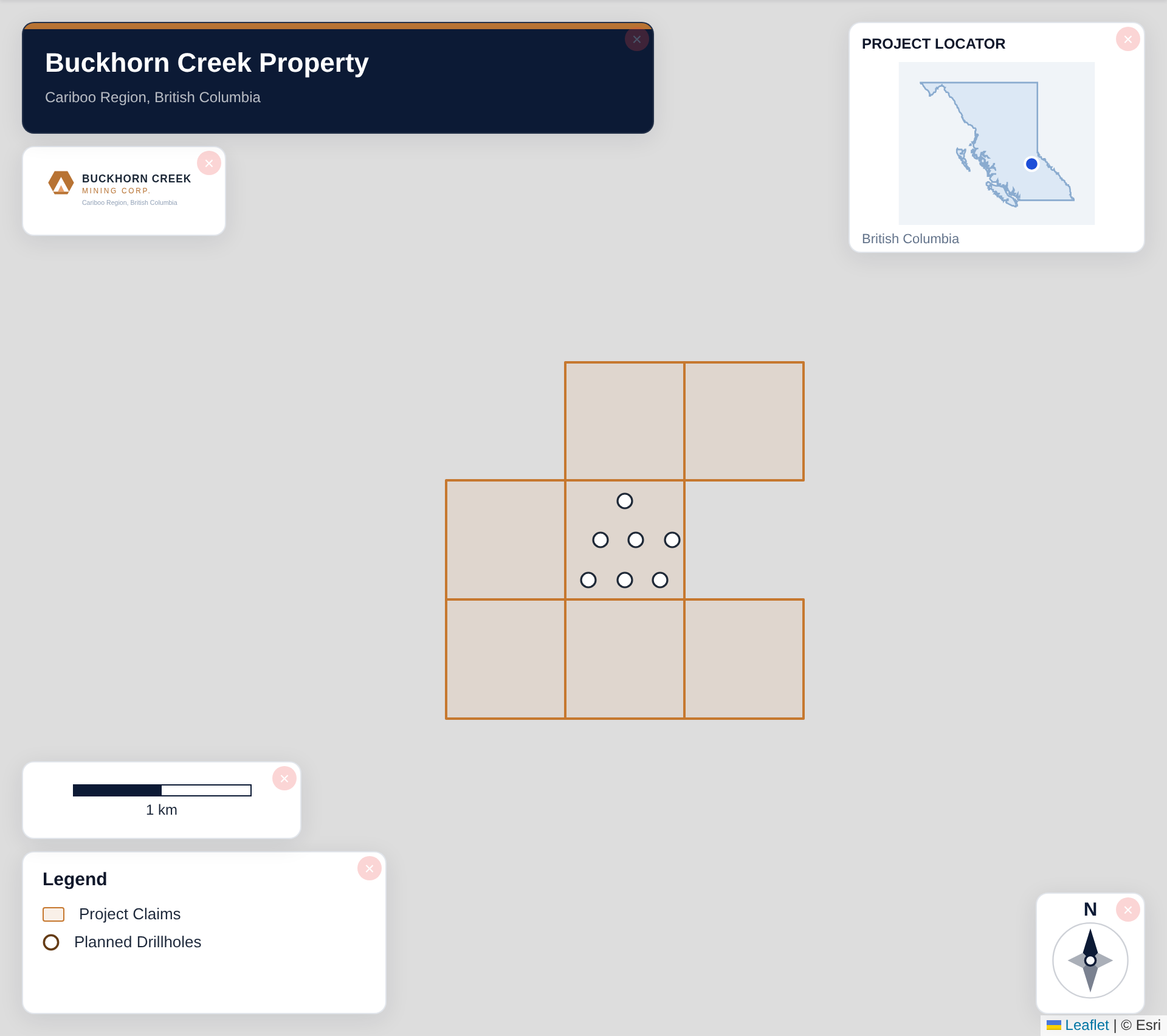
Tip for Alaska: Large Alaska deposits like Donlin Gold and Pebble span many tens of square kilometres — zoom out to show the full project outline and use a regional inset showing the nearest hub community (Bethel, Fairbanks) and access route to communicate the remote, fly-in logistics immediately.
Recommended Settings for Alaska
- Basemap: Light or Satellite
- Design theme: Investor — Navy & White or Technical — Sharp Borders
- Export format: PNG at 2× for investor presentations, PDF (Letter or A4) for NI 43-101 reports
- Coordinate system: Ensure source data is in WGS84 (EPSG:4326)
Common Use Cases in Alaska
- NI 43-101 technical reports
- Investor presentations
- News release figures
- Property acquisition packages
- Regulatory filings