Mining Claims Map — South Africa
South Africa — home to the Witwatersrand gold basin and the Bushveld platinum complex, the world's greatest mineral concentrations — is a prime target for junior exploration companies. Here's how to create a professional mining claims map using Exploration Maps in 15–30 minutes.
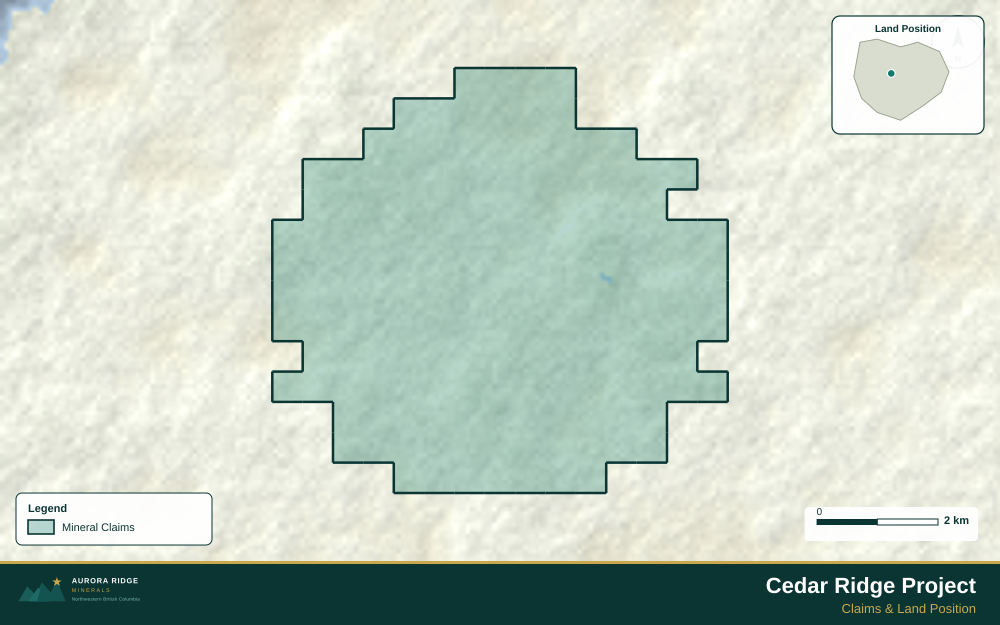
About Mining in South Africa
South Africa holds the world's largest known gold reserves and produces more than 70% of global platinum group elements. The Witwatersrand Basin is the world's largest gold deposit by historical production, and the Bushveld Complex is the world's largest layered igneous intrusion, hosting the majority of the world's platinum, palladium, and chrome resources.
Key minerals: gold, platinum group elements, chrome, manganese, iron ore, diamonds. Notable deposits: Witwatersrand Gold Basin, Bushveld Complex, Venetia Diamond Mine, Sishen Iron Mine. Mining districts: Witwatersrand, Bushveld Complex, Northern Cape, Limpopo.
The Department of Mineral and Petroleum Resources (DMPR) administers mineral rights in South Africa. Claim data is accessible through South African Mineral Resources Administration System (SAMRAD).
Getting Mining Data for South Africa
| Portal | Formats | Notes |
|---|---|---|
| South African Mineral Resources Administration System (SAMRAD) | Shapefile | SAMRAD (South African Mineral Resources Administration System) exports mining right boundaries in WGS84 geographic coordinates — no reprojection needed. Note that SAMREC/SAMVAL reporting standards apply for JSE-listed companies; indicate the applicable standard in your title block subtitle. |
How to Create a Mining Claims Map for South Africa
For a full step-by-step guide to mining claims maps, see How to Make a Mining Claims Map.
- Import your claims data as a GeoJSON or CSV file
- Assign the Claims layer role to apply standard styling automatically
- Add roads and water layers for geographic context
- Select a basemap — Light for technical reports, Satellite for investor decks
- Configure the title block with project name, company, and map date
- Upload your company logo
- Set the export ratio and frame your map
- Export as PNG (presentations) or PDF (reports)
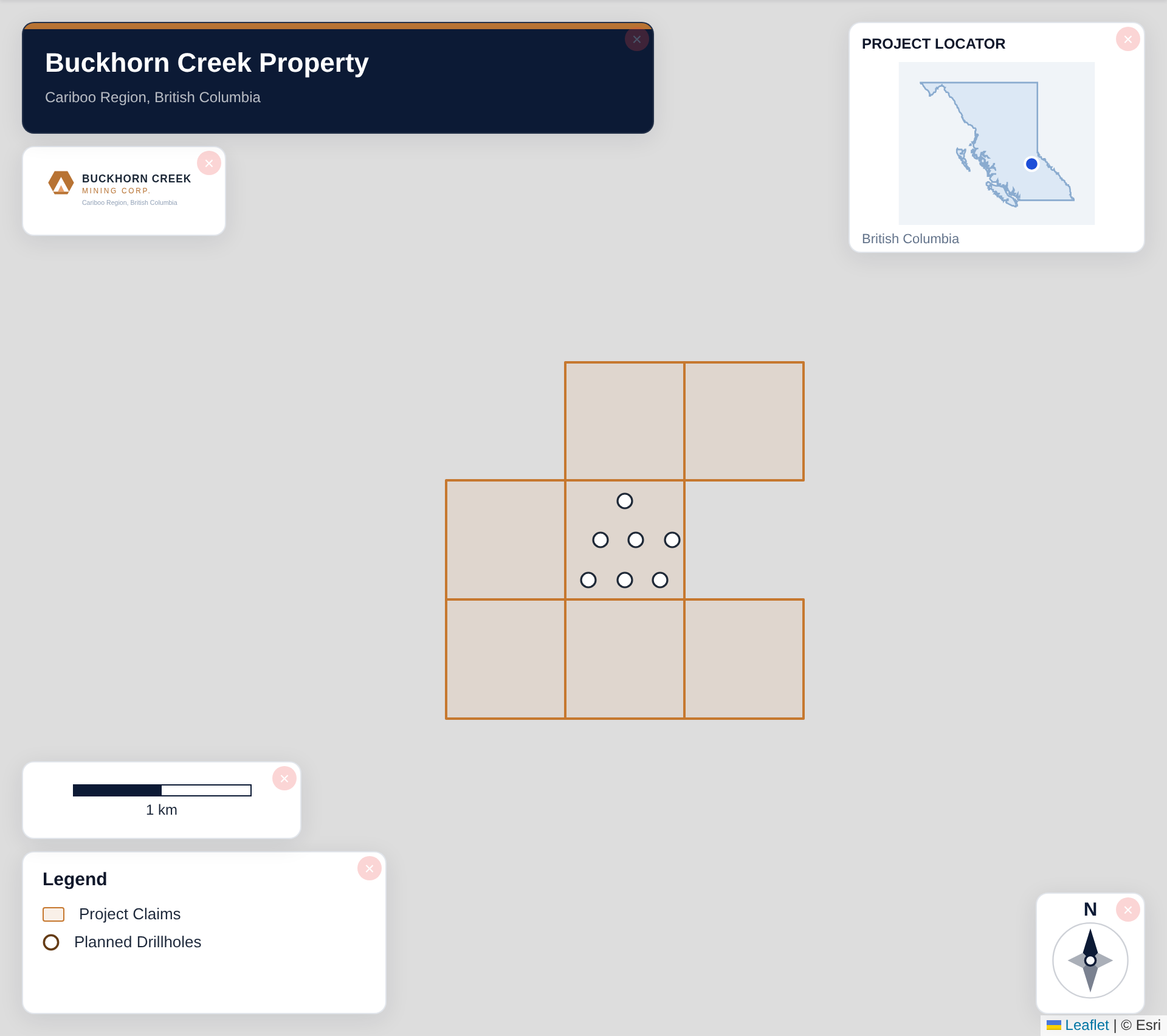
Tip for South Africa: Witwatersrand Basin properties cover a large area surrounding Johannesburg — include a regional inset showing the full basin extent with your property's position within it. Most international investors recognize the Witwatersrand name, so positioning your project within this iconic geological framework adds immediate investor recognition value.
Recommended Settings for South Africa
- Basemap: Light or Satellite
- Design theme: Investor — Navy & White or Technical — Sharp Borders
- Export format: PNG at 2× for investor presentations, PDF (Letter or A4) for SAMREC Code reports
- Coordinate system: Ensure source data is in WGS84 (EPSG:4326)
Common Use Cases in South Africa
- NI 43-101 technical reports
- Investor presentations
- News release figures
- Property acquisition packages
- Regulatory filings