Drill Results Map — Peru
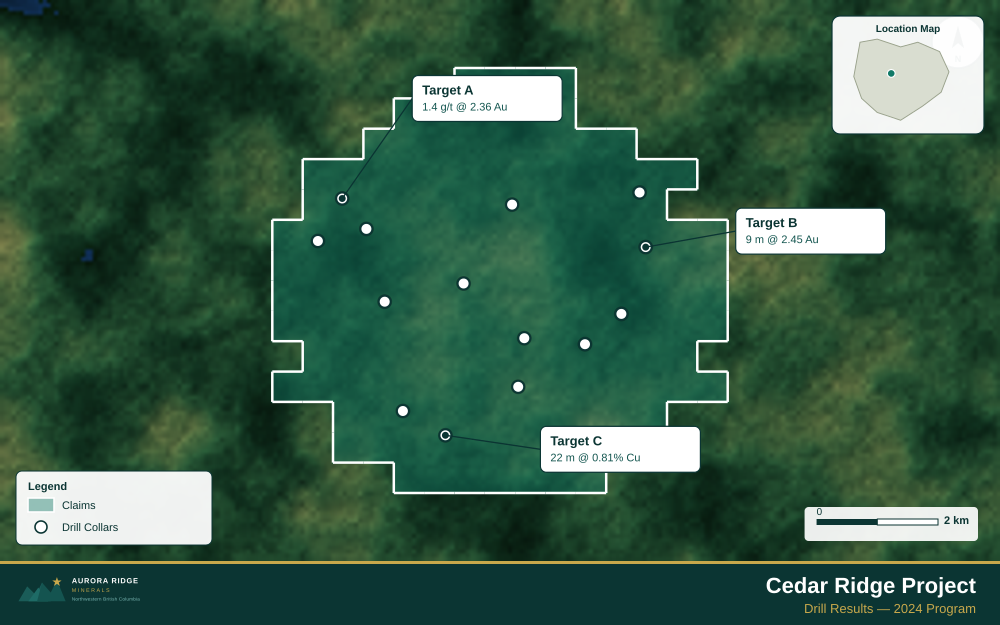
Peru — a top-five global producer of copper, gold, zinc, and silver, with world-class polymetallic deposits in the Andes — is a prime target for junior exploration companies. Here's how to create a professional drill results map using Exploration Maps in 15–30 minutes.
About Mining in Peru
Peru consistently ranks among the world's top five producers of copper, gold, zinc, silver, lead, and molybdenum. The Andes host world-class polymetallic deposits and the country attracts significant junior exploration investment, particularly in copper-gold porphyry targets across the southern and central Andes.
Key minerals: copper, gold, silver, zinc, lead, molybdenum. Notable deposits: Las Bambas, Cerro Verde, Antamina, Yanacocha. Mining districts: Southern Andes, Central Andes, Cajamarca, Arequipa.
The Ministry of Energy and Mines (MINEM) administers mineral rights in Peru. Claim data is accessible through INGEMMET Mining Cadastre.
Getting Mining Data for Peru
| Portal | Formats | Notes |
|---|---|---|
| INGEMMET Mining Cadastre | Shapefile, KML | INGEMMET Geocatmin exports concession data in UTM Zone 17S, 18S, or 19S depending on longitude. Peru's central and southern Andes — the most active exploration regions — primarily use Zone 18S (EPSG:32718). Verify the UTM zone for your property's longitude before converting to WGS84. |
How to Create a Drill Results Map for Peru
For a full step-by-step guide to drill results maps, see How to Make a Drill Results Map.
- Import your drill collar CSV (columns: hole ID, latitude, longitude, depth, assay)
- Assign the Drillholes layer role
- Import the property claims boundary as GeoJSON
- Add callout labels to key holes showing hole ID and best intercept
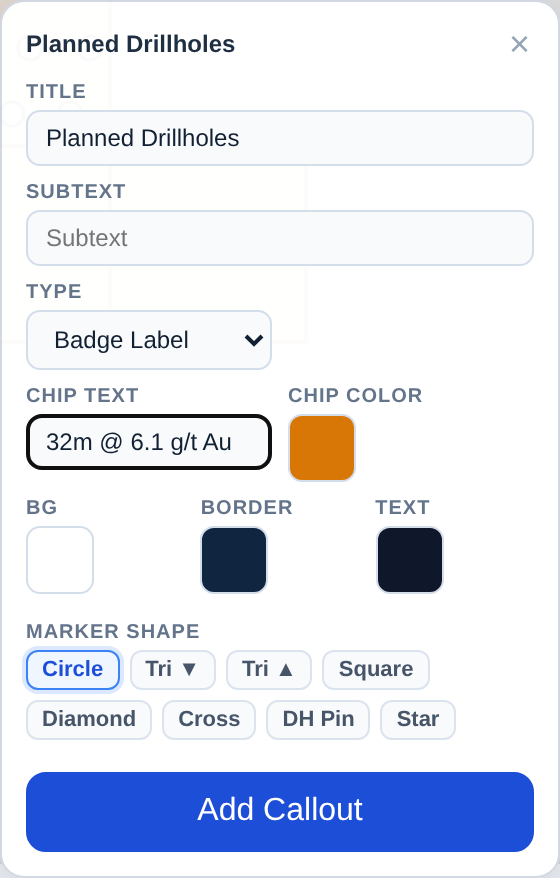
- Use Badge Label type to highlight the highest-grade holes
- Configure the title with program name and date
- Set the Landscape 16:9 ratio for news release figures
- Export as PNG at 2× for email and PDF for the news release attachment
Tip for Peru: Peruvian Andes polymetallic properties often contain multiple commodity targets (copper, gold, zinc) within the same concession — use distinct colored polygon fill or point symbols per target type and include a simple legend that links each color to the mineralization style shown in your NI 43-101 or JORC technical report.
Recommended Settings for Peru
- Basemap: Light or Satellite
- Design theme: Investor — Navy & White
- Export format: PNG at 2× for investor presentations, PDF (Letter or A4) for JORC Code / NI 43-101 reports
- Coordinate system: Ensure source data is in WGS84 (EPSG:4326)
Common Use Cases in Peru
- Exploration news releases
- NI 43-101 technical reports
- Investor day presentations
- Analyst briefings